Secure File Exchange Join the pilot

The safe way to collect and share client documents.

Request tax forms, statements, IDs and contracts from clients, send finished work back, and keep a record of who opened what. Built for accounting and law firms. Your clients don't need an account.

  • No account for clientsThey confirm a code sent to their email.
  • Scanned before it opensEvery file, whoever uploads it.
  • On the recordAn audit log that reveals any tampering.
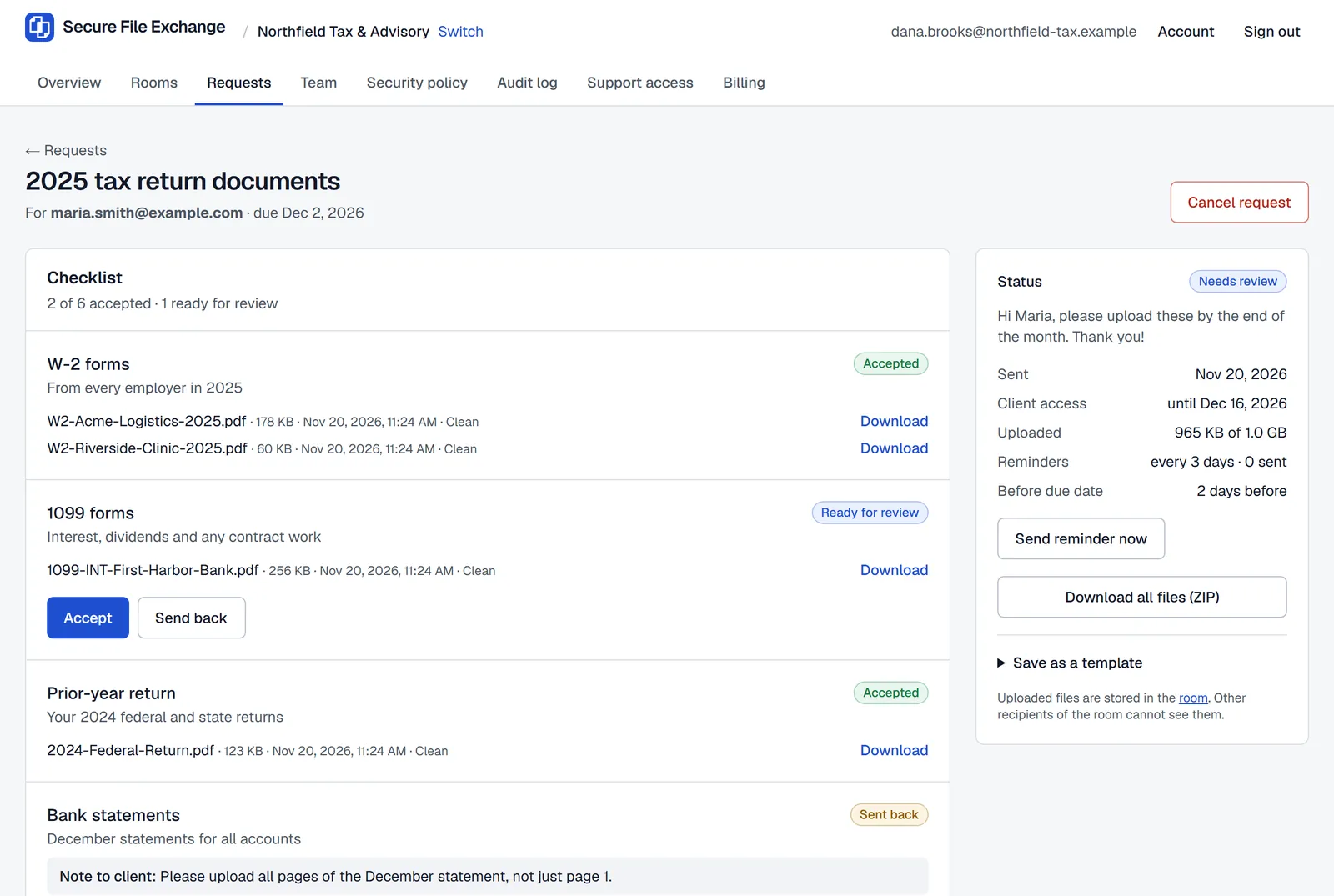
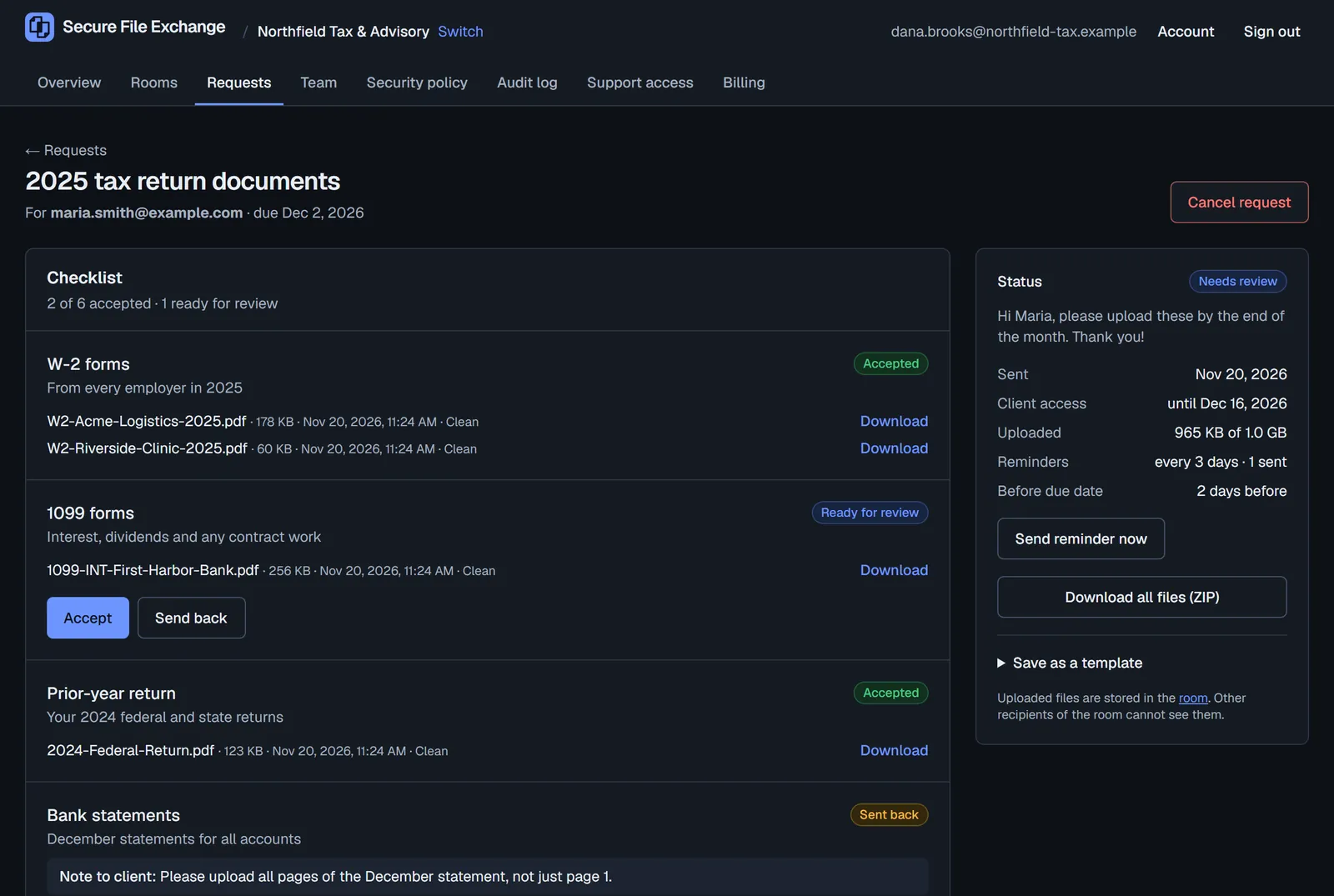
SFX request page for '2025 tax return documents': W-2 forms and prior-year return accepted, 1099 forms ready for review, bank statements sent back with a note, and a status panel with reminders and a ZIP download. SFX request page for '2025 tax return documents': W-2 forms and prior-year return accepted, 1099 forms ready for review, bank statements sent back with a note, and a status panel with reminders and a ZIP download.
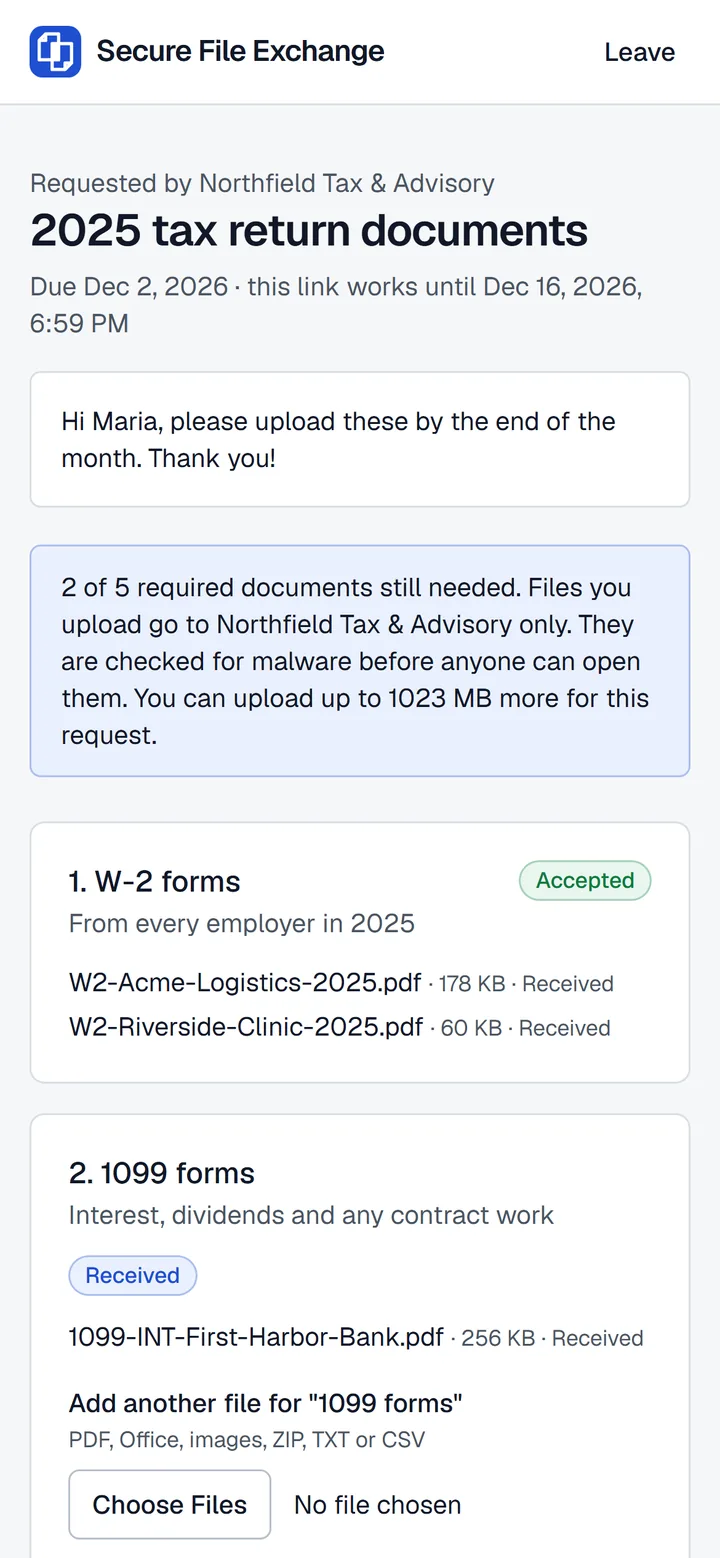
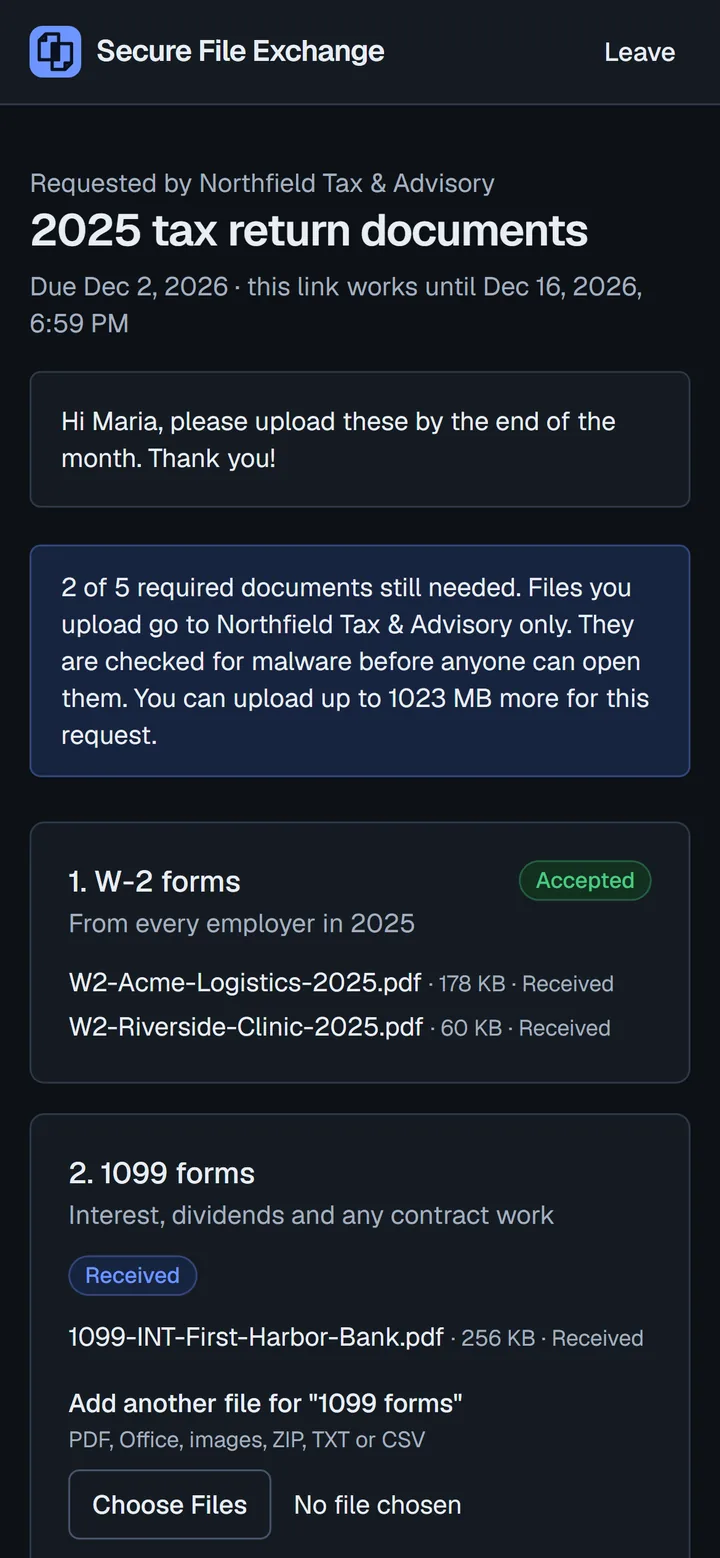
The client's view on a phone: the firm's message, how many documents are still needed, and the checklist with what has been received. The client's view on a phone: the firm's message, how many documents are still needed, and the checklist with what has been received.

How it works

Four steps, shown with real screens from SFX. The firms and people in them are demo data.

  1. Ask for exactly what you need

    • Send a checklist with a due date and a short message, or start from a template such as an individual tax return or a legal matter intake.
    • Reminders go out on a schedule you choose, plus one shortly before the due date, and stop as soon as everything is in.
    • See at a glance what's accepted, what needs your review and what's still missing.
    A document request checklist with accepted, ready-for-review and sent-back items. A document request checklist with accepted, ready-for-review and sent-back items.
  2. Your client uploads from any device

    • They open the link, confirm a code sent to their email, and upload against each item. No app, no account, no password.
    • They see what's been received and what's still needed, and why anything was sent back.
    • Large files upload in pieces and survive a dropped connection.
    A client's checklist on a phone with received files and an upload button. A client's checklist on a phone with received files and an upload button.
  3. Send finished work back, on your terms

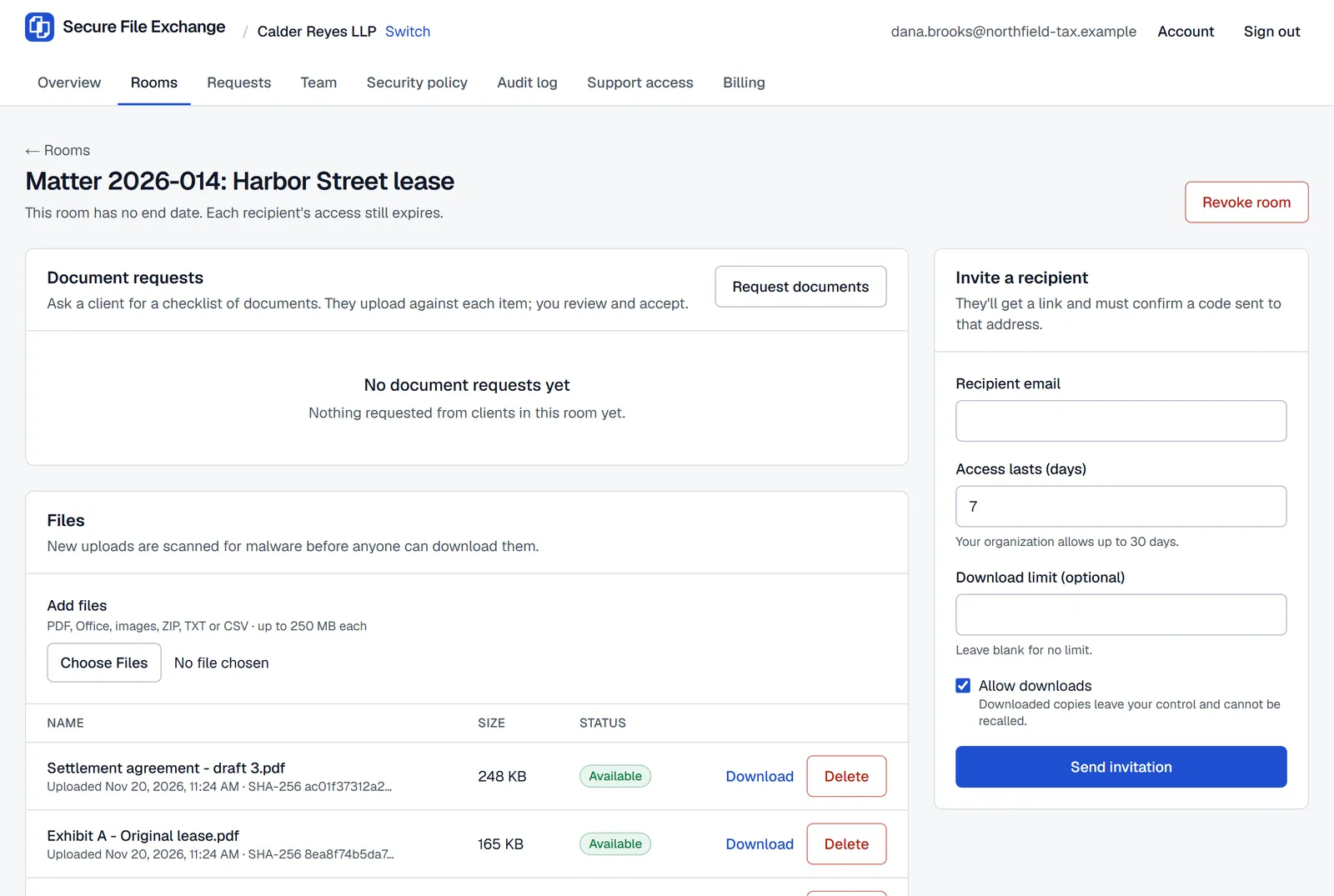
    • Put files in a room for one client or matter, and invite each recipient by email.
    • Give each person an end date and a download limit, and remove access at any time.
    • If your firm wants it, a partner approves each file before the client can see it. Nobody approves their own.
    • Ask a client to accept a document, like an engagement letter. They download it and type their name, and you keep a permanent record of exactly what they accepted.
    • Every file shows its SHA-256 fingerprint, and is checked again on every download.
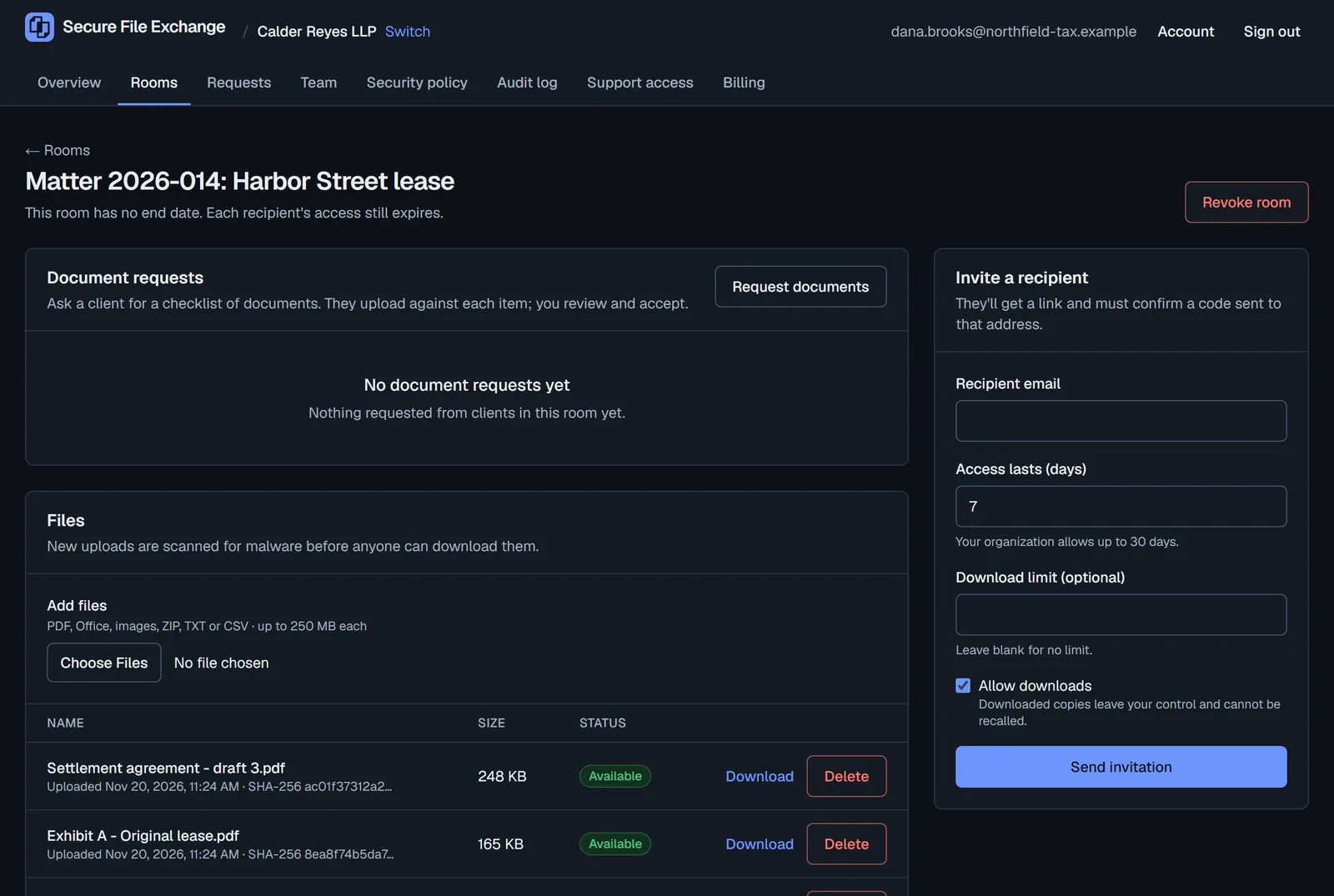
    A matter room with scanned files marked Available, and a form to invite a recipient with an access period and a download limit. A matter room with scanned files marked Available, and a form to invite a recipient with an access period and a download limit.
  4. Show what happened, when it matters

    • Every share, upload, download and review is recorded with who did it and when.
    • Each entry is linked to the one before it, so SFX can show the record hasn't been changed.
    • Export it for a client, an insurer or a regulator.
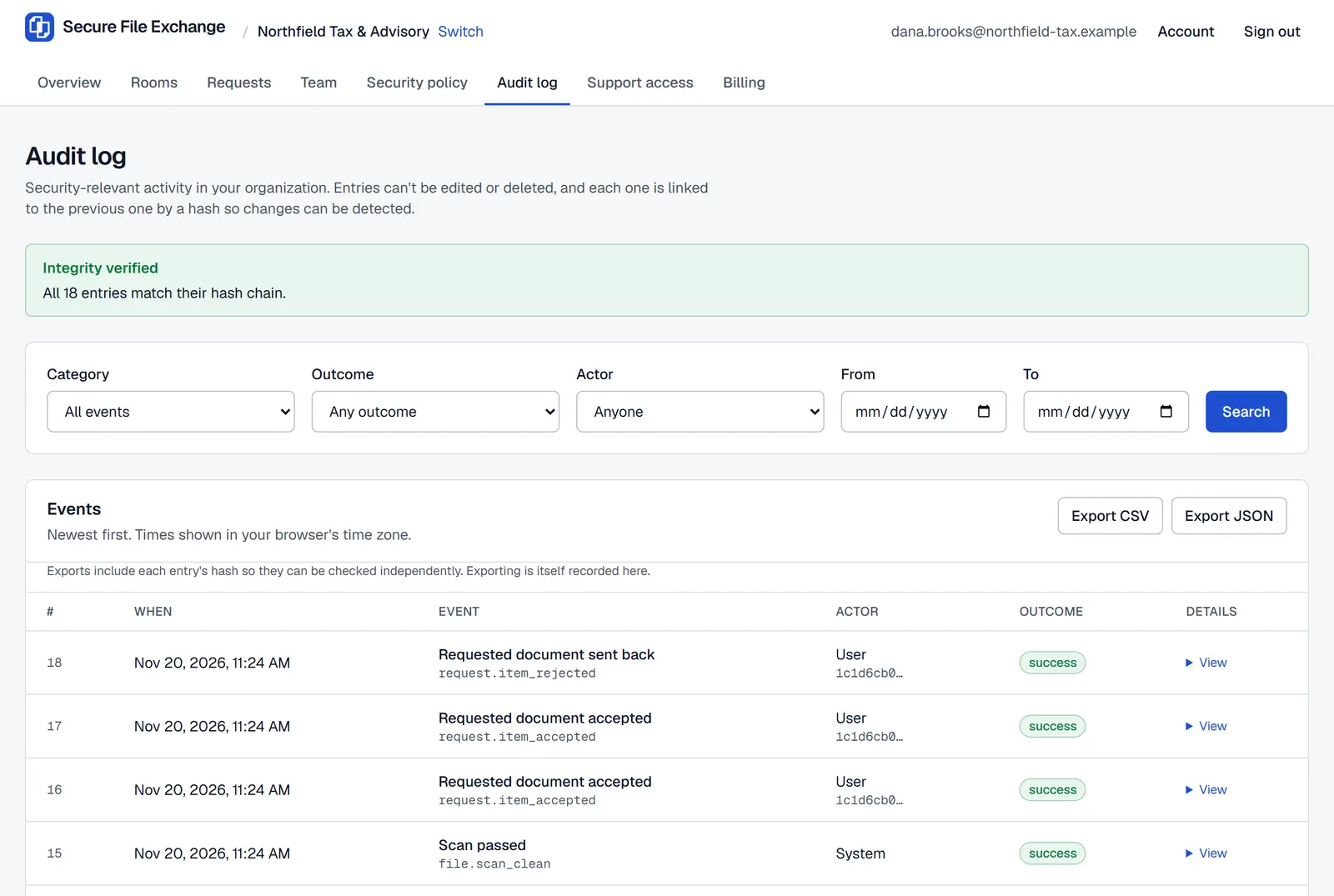
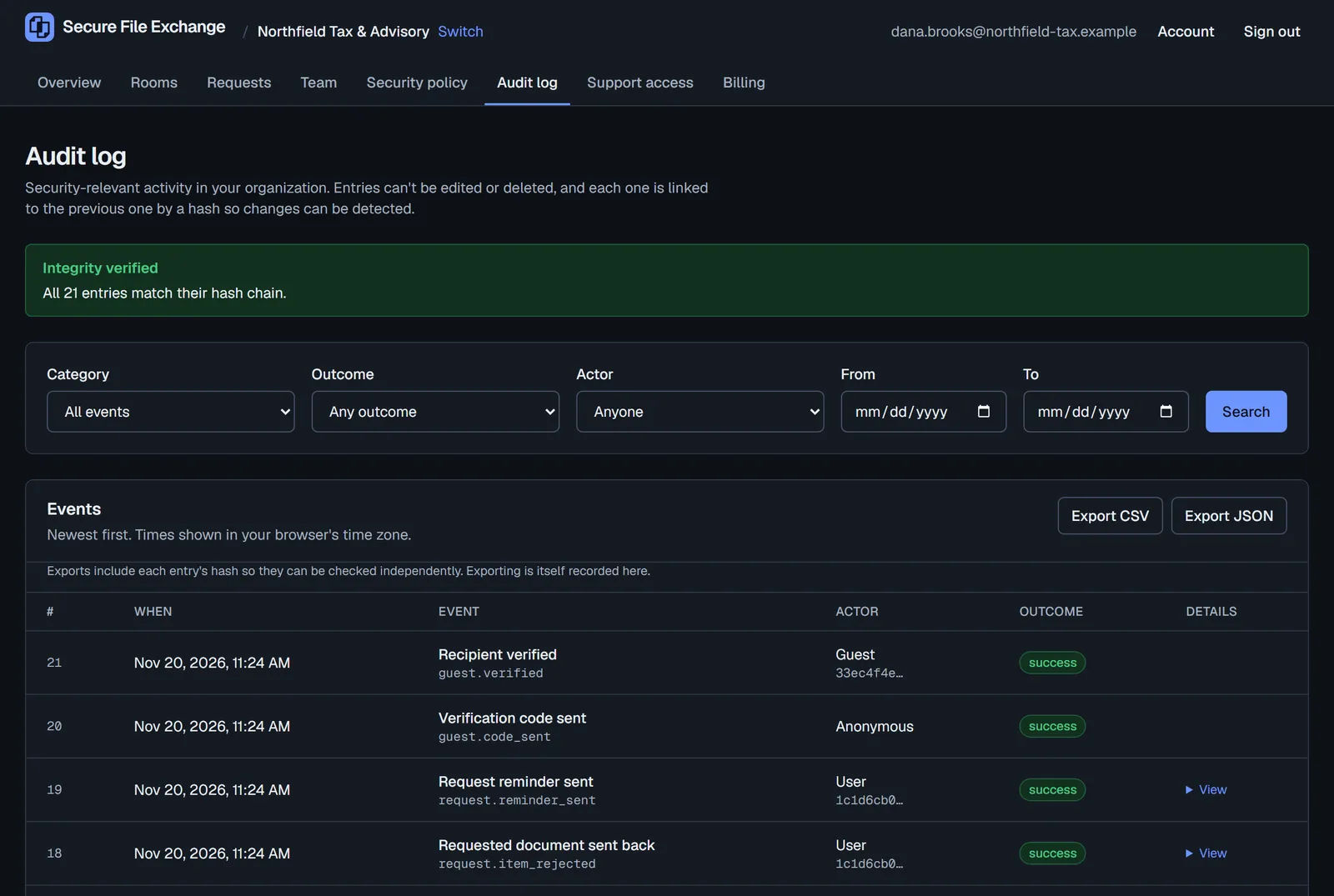
    The audit log showing 'Integrity verified: all entries match their hash chain', with filters, exports and recent events. The audit log showing 'Integrity verified: all entries match their hash chain', with filters, exports and recent events.

What happens to every file

Whether a client or a colleague uploads it, every file goes through the same four stages.

  1. It waits in quarantine

    Nobody can open a new file yet, including the person who uploaded it.

  2. The whole file is scanned

    ClamAV checks it for malware. If any part can't be scanned, the file is treated as unsafe.

  3. Clean files become available

    Anything else is blocked and deleted. Your firm's admins are emailed, and a client sees that the file was not accepted.

  4. Every access is recorded

    Views, downloads, shares and changes go into the audit log, which reveals any later edits.

Made for firms that handle sensitive paperwork every day

Small and mid-sized accounting and law firms, roughly 5 to 100 people, exchanging confidential documents with clients every week. There's nothing to install, and nothing for your clients to learn.

Three professionals reviewing documents together at a conference table.

Accounting and tax firms

Tax season means W-2s, 1099s, statements and IDs arriving from every direction.

  • Send each client the same organizer checklist, and stop chasing by email.
  • Reminders before the due date, and an end to "did you get my file?"
  • Download a client's whole request as one ZIP, with a manifest of every file.
  • Put your written information security plan (WISP) into practice for document exchange.

Law firms

Intake documents, drafts, exhibits and settlement papers move between clients, counsel and courts.

  • Collect new-matter documents against a checklist, with notes when something's missing.
  • Share drafts with a client or opposing counsel with an end date and a download limit.
  • Remove access the moment a matter changes hands.
  • Keep a record of who received what, and when, if it's ever disputed.

Not a fit yet: health information covered by HIPAA (we don't sign business associate agreements), replacing your document management system, or large M&A data rooms.

Security you can name, not slogans

Each of these is built into SFX and covered by automated tests. Read the details, including what we don't claim.

Verified recipients

One-time codes by email that expire in 10 minutes and stop working after a few wrong tries.

Fail-closed scanning

If the scanner is down or can't read a file, the file stays locked.

Fingerprinted files

SHA-256 recorded at upload and checked on every download.

Firms kept apart

Every request checked against membership, and the database separates firms too.

Passkeys and two-step sign-in

Firms can require passkeys for everyone, with alerts on new devices.

Support only with your consent

Our staff can't open your files unless an owner approves, a second person confirms, and it's logged.

Questions firms ask

Do my clients need an account or an app?

No. They open the link in the email, confirm a code sent to the same address, and upload or download in any modern browser, on a phone or a computer.

What can clients upload, and how large?

PDFs, Office documents, images, ZIP files, text and CSV, up to 250 MB per file today. Large uploads go in pieces, so a dropped connection doesn't start them over.

Where are files stored?

SFX is built to run on Amazon Web Services in the United States (Ohio), with files encrypted using AWS Key Management Service keys. During the pilot we confirm hosting details with each firm before any real client documents are uploaded.

Is it end-to-end encrypted?

No. SFX scans every file for malware, so the service has to read files while processing them. Files are encrypted in transit and in storage, and nobody at SFX can open them without your firm's approval.

Can we use it for health information?

Not yet. We don't sign HIPAA business associate agreements, so please don't upload protected health information.

Does it connect to our tax or practice-management software?

Not yet. SFX works alongside the tools you already use. Tell us which integrations matter to you during the pilot.

What does it cost?

There's a free plan for one person, and paid plans from $29 a month for the whole firm, not per person. Every plan has the same security. See pricing. Pilot firms use SFX free for 90 days.
Join the pilot

SFX is working with a small number of accounting and law firms before it opens to everyone. Pilot firms get direct access to the people building it, and help decide what comes next.